
Shoes
Sneakers, boots and everyday footwear. Open a listing to compare its profile, sole and available close-up photos.
Find your next favourite. See every detail.
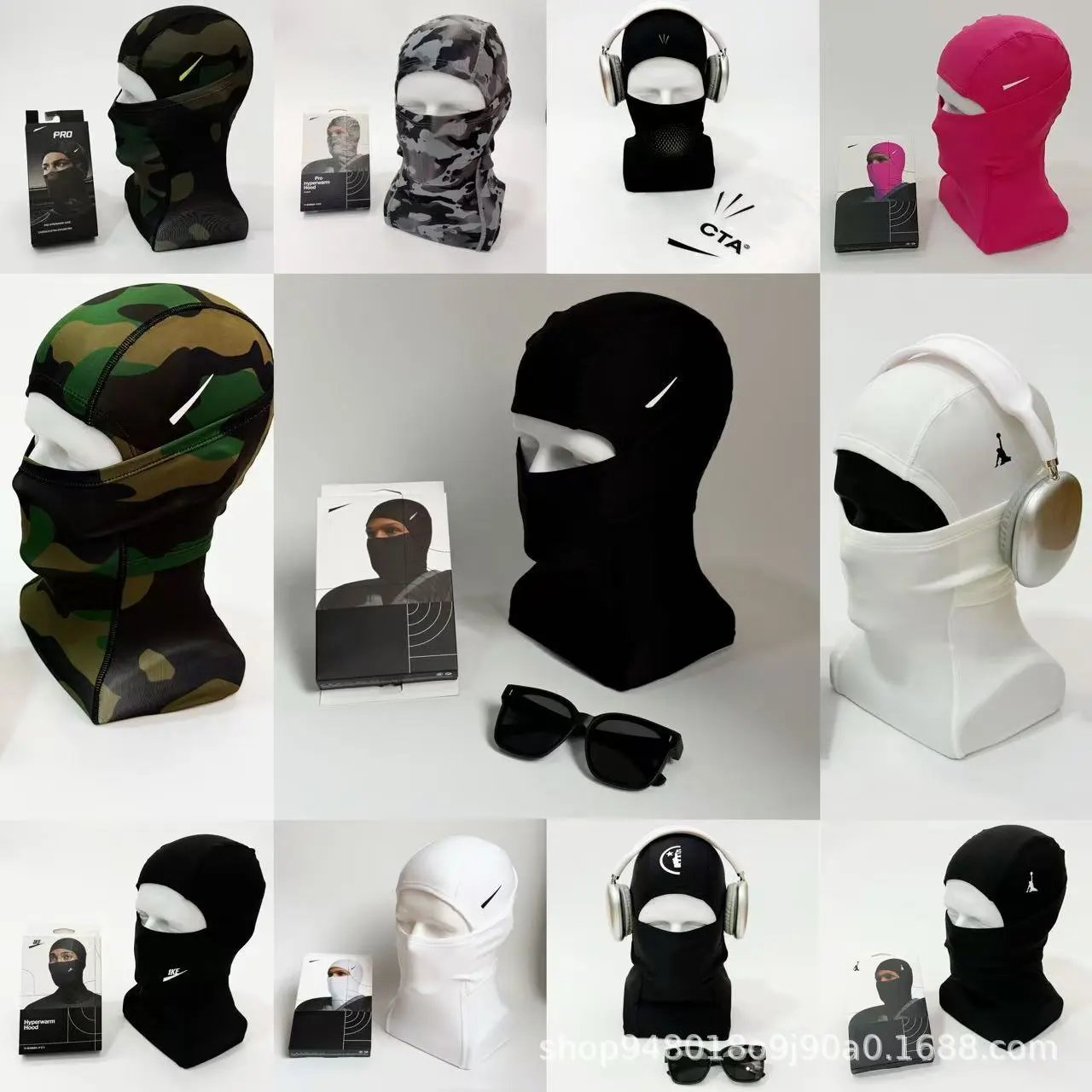
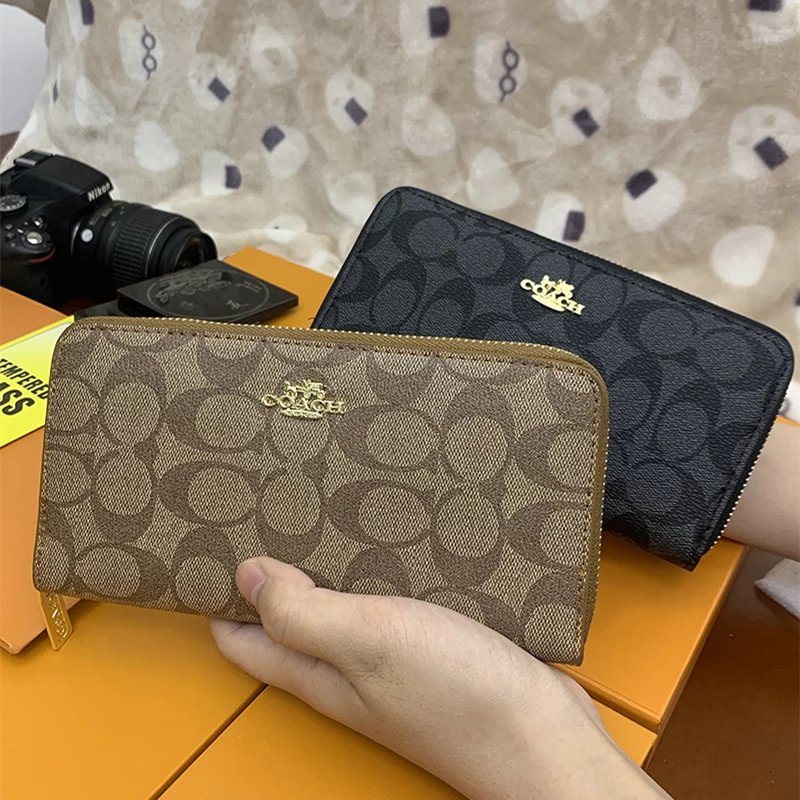
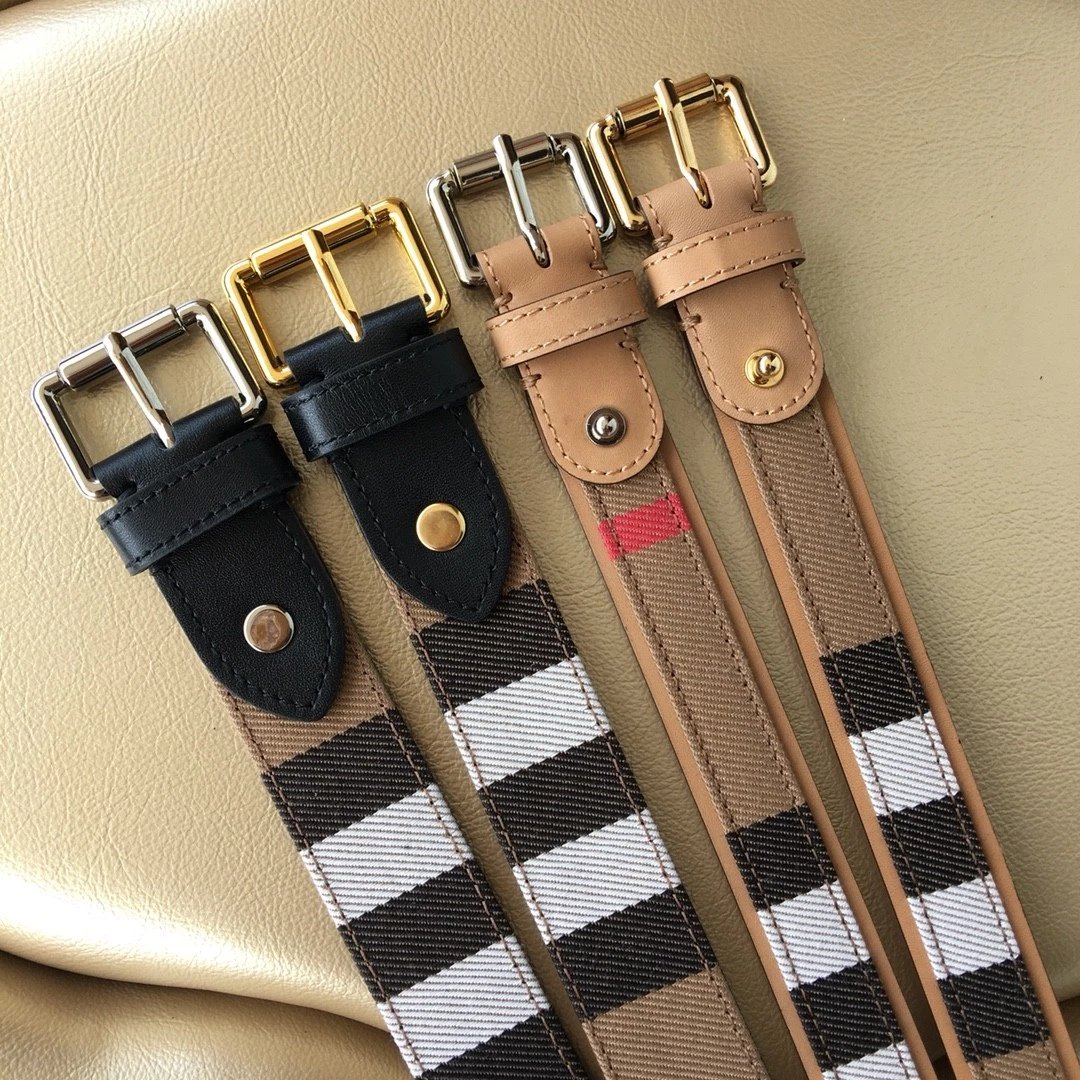
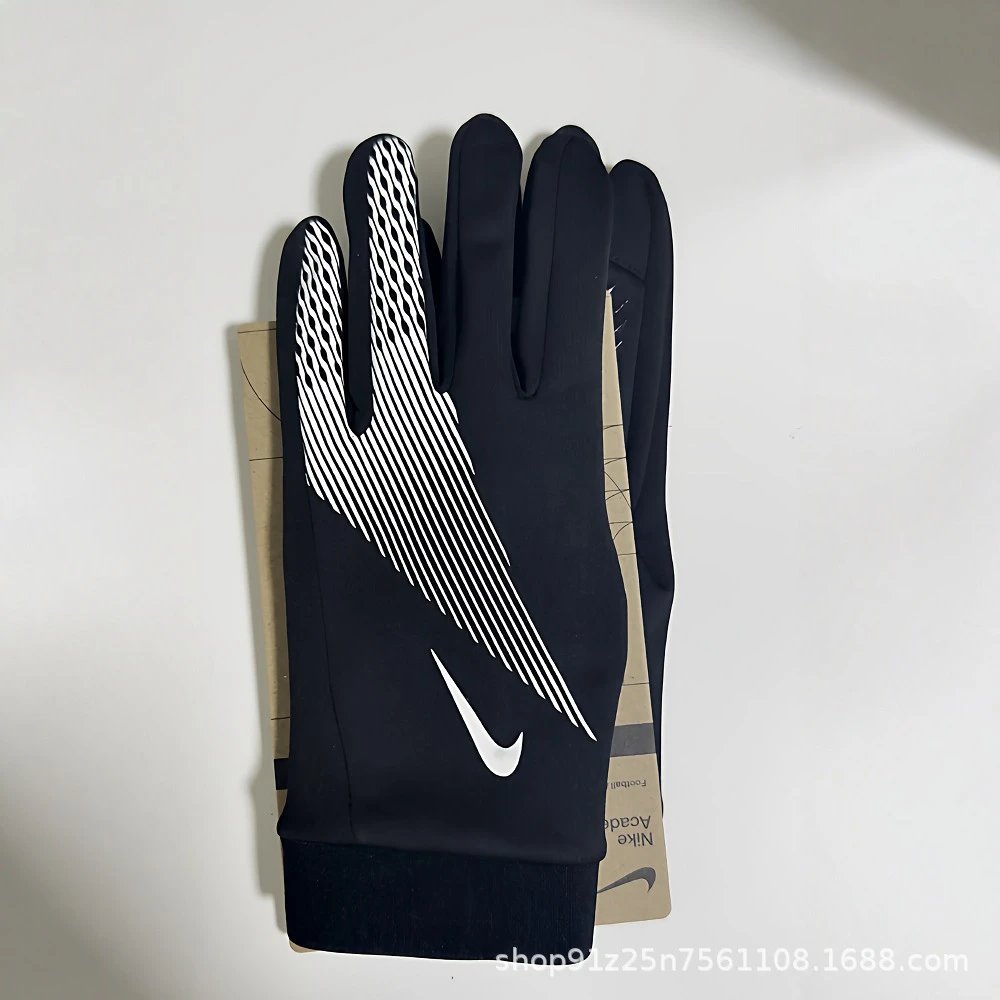


Sneakers, boots and everyday footwear. Open a listing to compare its profile, sole and available close-up photos.
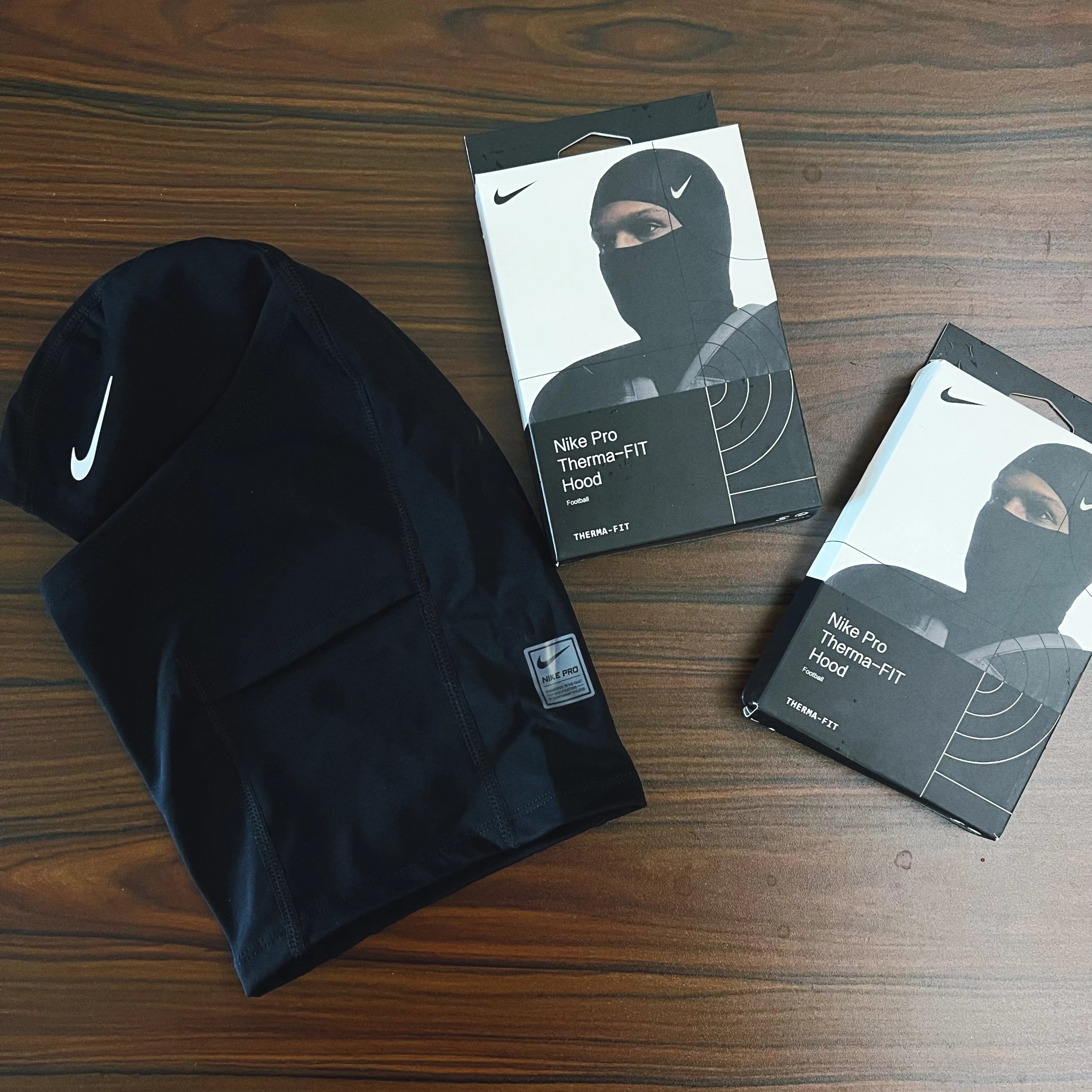
T-shirts, hoodies, knitwear and jackets, collected by garment type so you can move straight to the pieces you need.
Trousers, jeans and shorts with product photos and direct listing references for a closer look at the cut.
Jackets and coats for another layer. Compare the silhouette and visible construction before opening the seller’s options.
Coordinated tops and bottoms in a single listing. Check the original page to confirm which pieces are included.
Underwear and base layers, with individual product and style references for each listing.
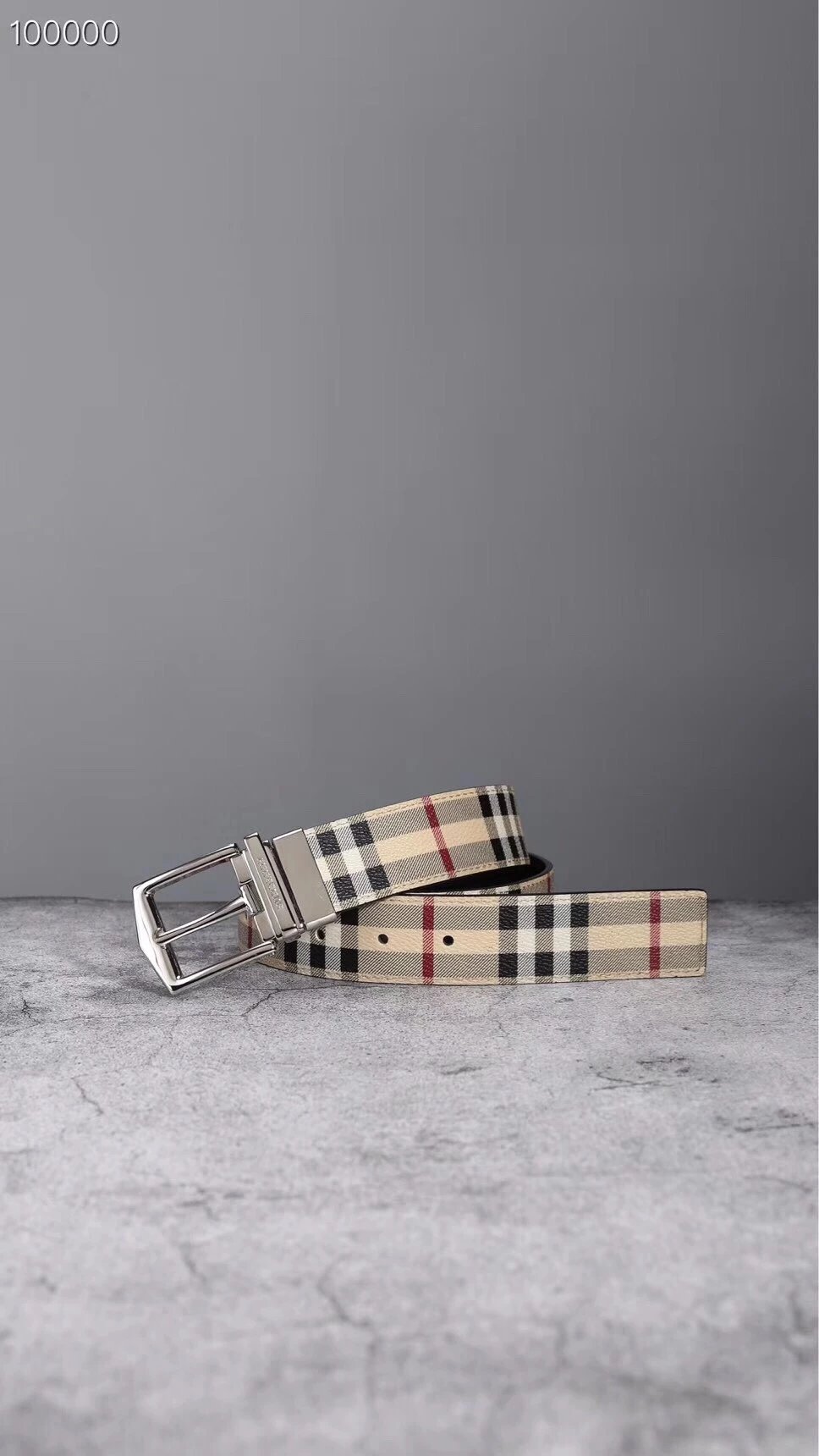
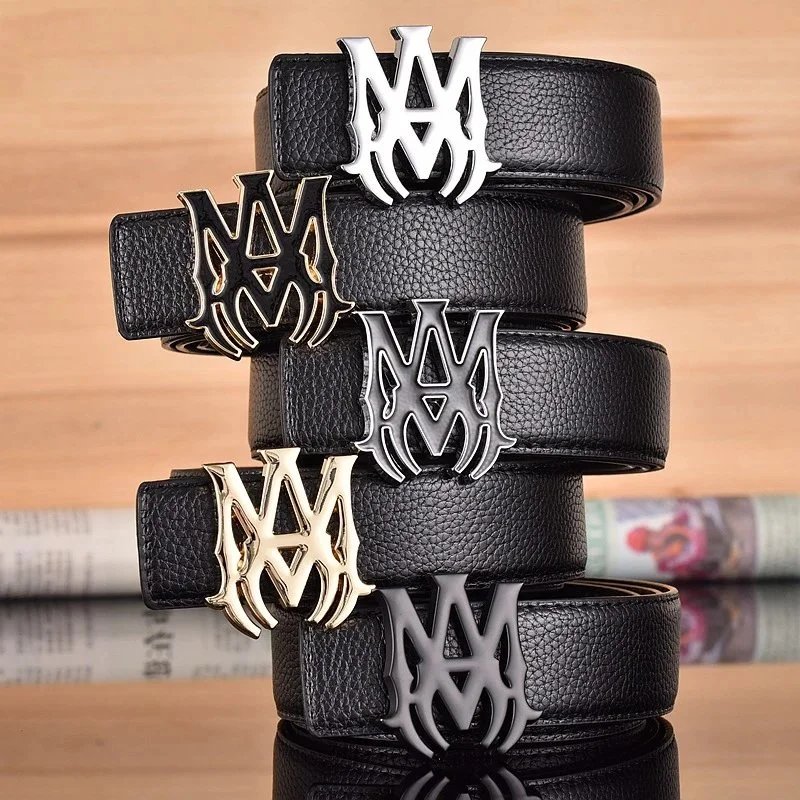
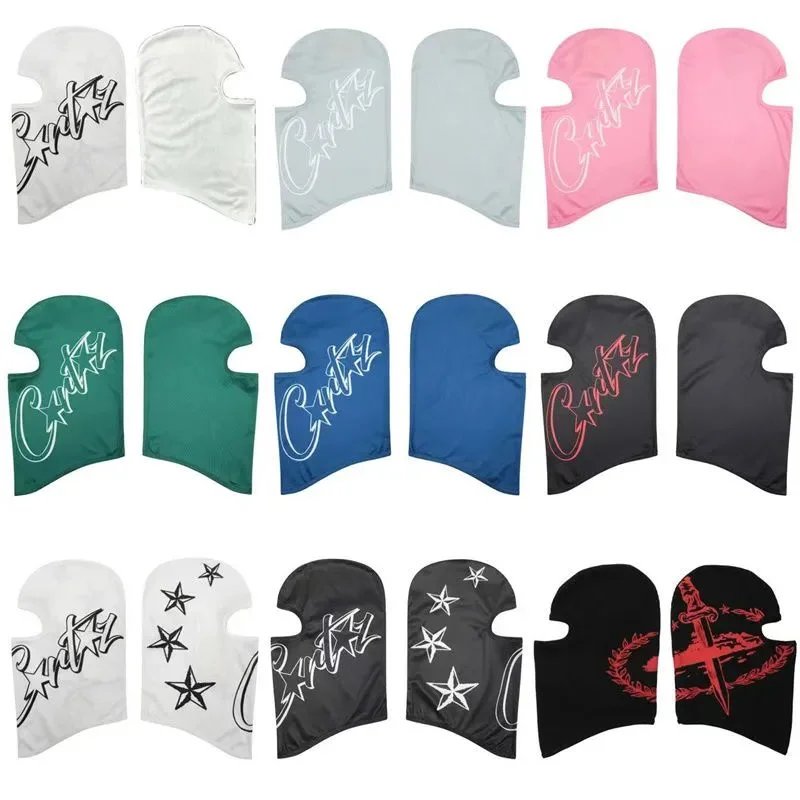
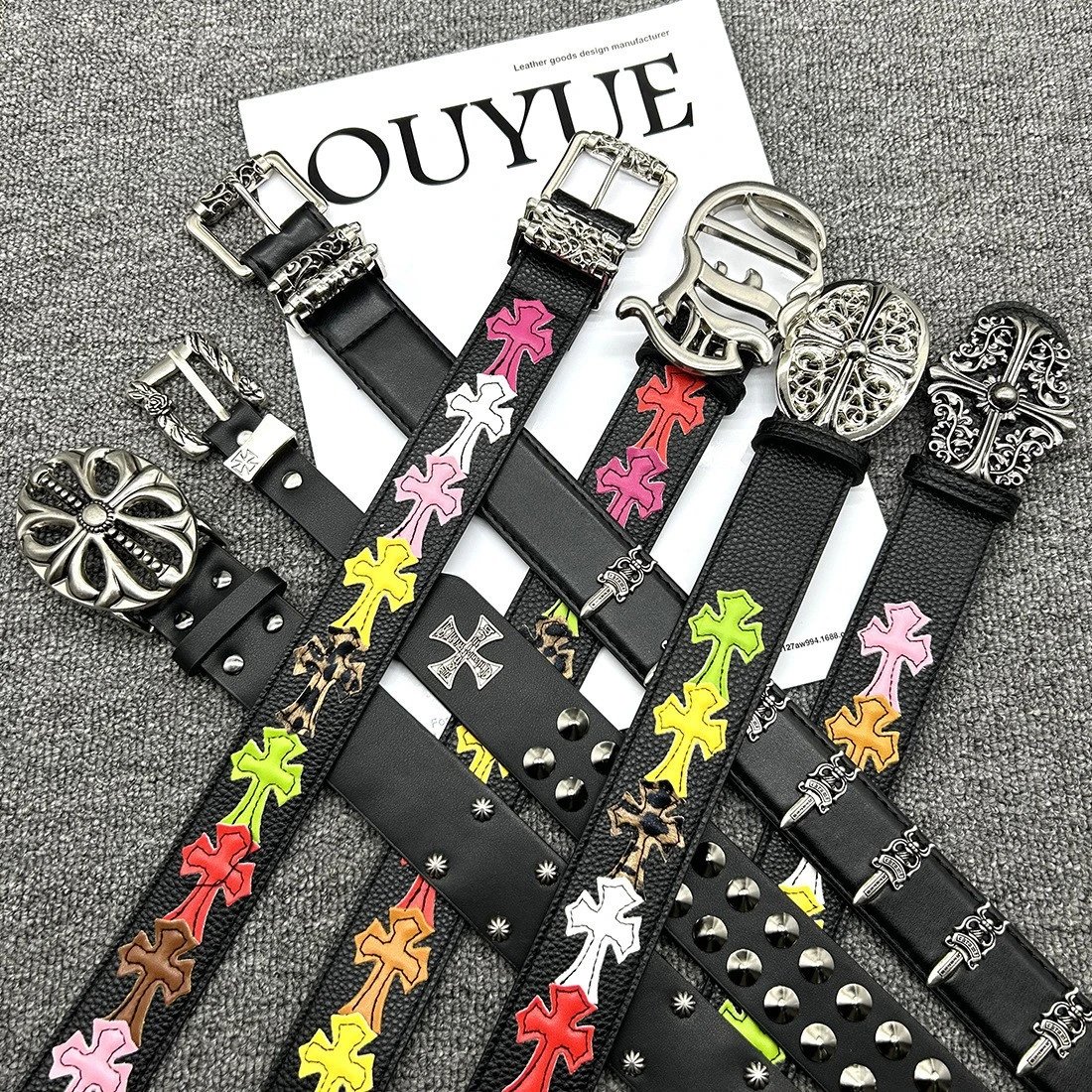
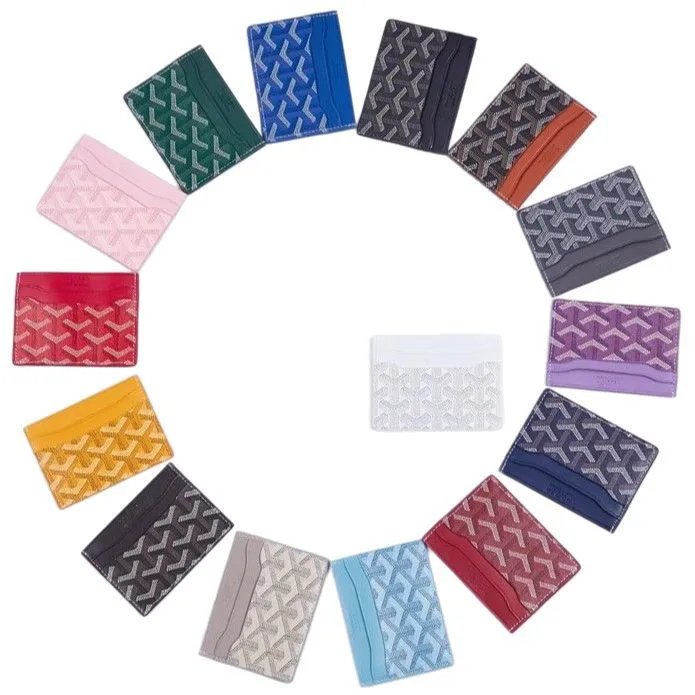
Belts, jewellery and finishing details, with a separate product page for each listing.
Devices and small accessories. Check the original listing for the exact model and included parts.
Explore everyday objects beyond clothing, with product photographs and original listing references.
Explore the Sugargoo Spreadsheet by category, compare product photos and reference prices, and look through available QC before following a product link.
It is a browsable collection of marketplace product links. Sugargoo Lists adds category navigation, product photos, reference prices and available QC to help you examine a listing before opening it on Sugargoo.
Search a product name, brand or descriptive phrase in the Spreadsheet. Category and brand filters narrow the collection; price sorting helps compare the remaining results.
Yes. Upload a product photo to image search. The results are visually similar listings, so compare the shape and details before assuming a match is the same item.
The category directory contains every available category and subcategory, from shoes and clothing to bags, accessories and other everyday finds. Each entry opens its own product selection.
No. The product gallery shows listing images, while the separate QC section contains available inspection references. Existing QC does not represent a new order placed by you.
A listing can be available without inspection references. Its page shows an empty QC state rather than substituting seller photos or implying that an inspection has happened.
Style thumbnails preview the corresponding product image. Choose and confirm the actual size, colour and quantity on Sugargoo before ordering.
The amount here is a converted reference from the product listing. Variants and later seller updates can change the amount shown on the purchasing page.
Availability and purchasing restrictions are determined by Sugargoo and the seller. A working product link does not guarantee that Sugargoo will accept an order for the item.
Supported product links open Sugargoo with the original marketplace URL and our referral identifier. The registration link also includes a referral identifier. We may earn a commission.
For supported Weidian listings, the detail page includes a copy-link control. It copies the original seller URL so you can retain that reference separately.
No. This is an independent product discovery site. Account registration, product selection and purchasing take place on the official Sugargoo website.